
From Google
Jason C
Dave was great, service is top notch
5.0 of 5
Average of 3 Google reviews
Google reviews of 4 or 5 count as positive. Google reviews of 1 or 2 count as negative. Google reviews of 3 are not counted.
AI summary of their website
Sump Pump Geeks is a national network of contractors providing sump pump installation, repair, replacement, and maintenance, along with basement waterproofing solutions. Its website describes contractors serving customers across the United States and says the network is part of Grate Products, formed in 2006.
From their website, sumppumpgeeks
These facts are the business's own claims, and FairPipes has not checked them. AI summarized the website and can make mistakes.
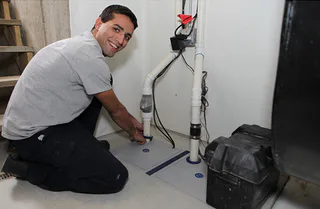
 Open photo 1 of 6
 Open photo 2 of 6
 Open photo 3 of 6
 Open photo 4 of 6
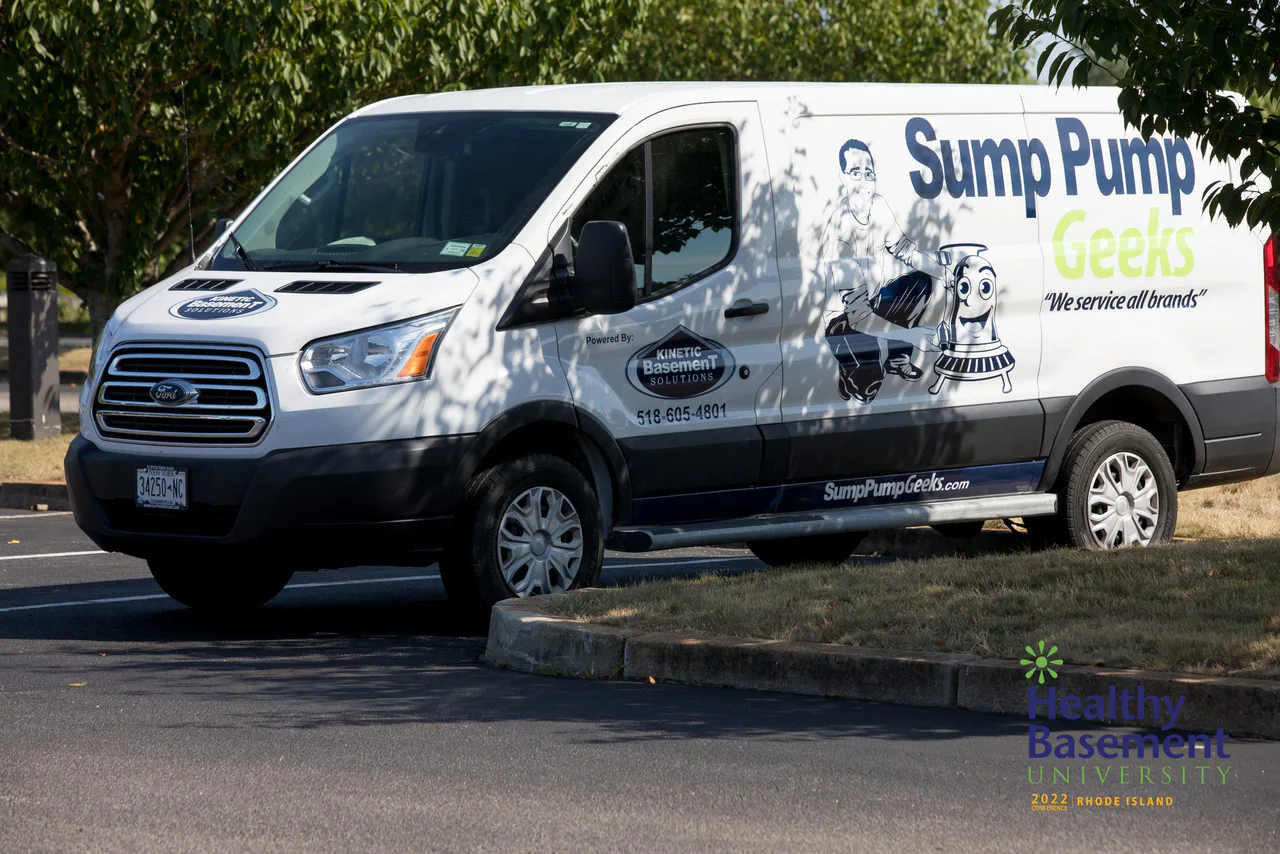 Open photo 5 of 6
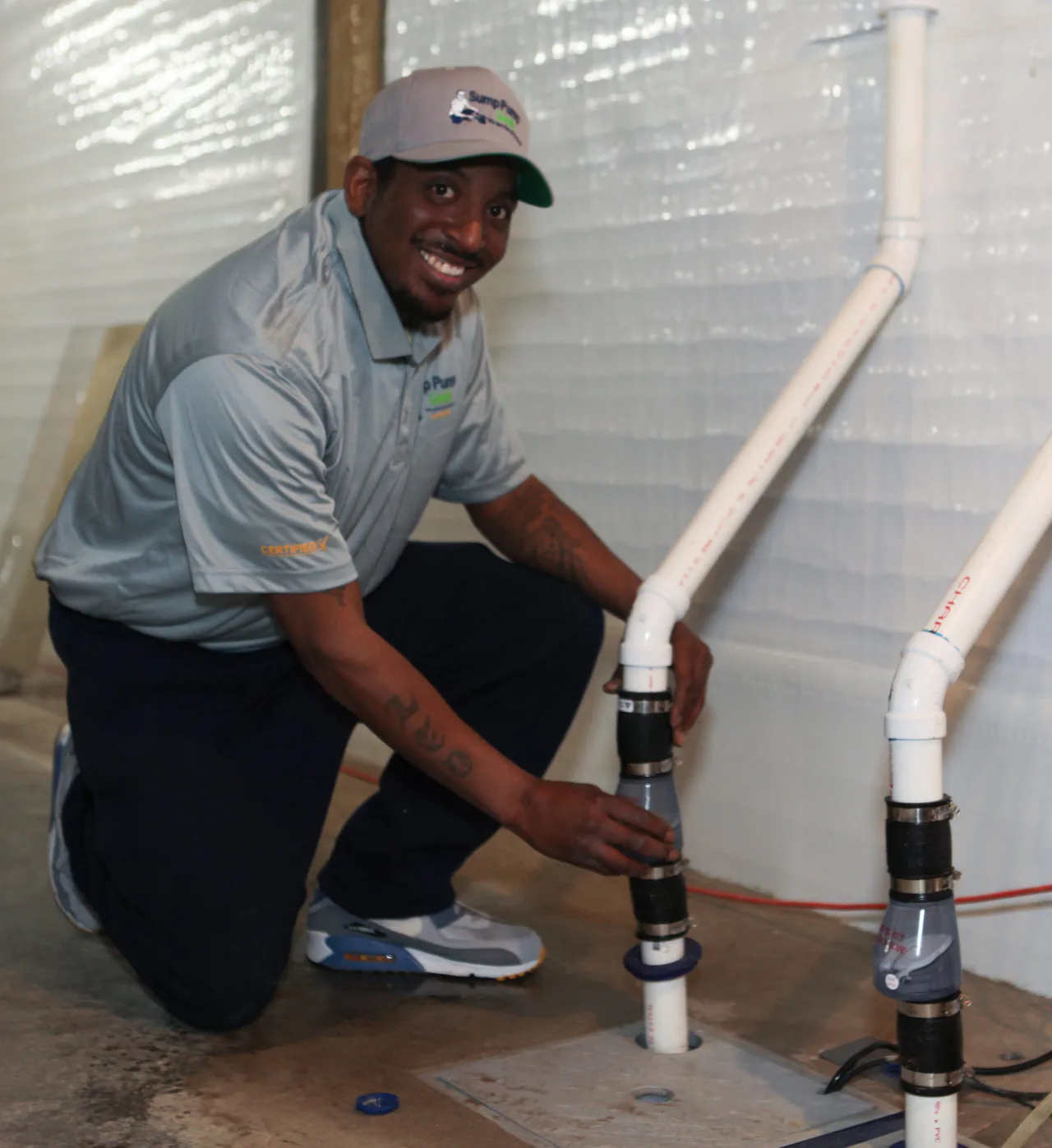 Open photo 6 of 6
From their website, sumppumpgeeks.com
Not checked by FairPipes yet
We do not have license records for New York yet. Look up this business on the state licensing board's website.
Hours as listed on Google; we have not checked them.
From Google
Jason C
Dave was great, service is top notch
From Google
Michael Ferrante
Dave Crawford installed my sump pump and it has been working amazing. Also added a high water alarm to better monitor it! Would highly recommend to anyone that needs a sump pump
From Google
Mark Rymer
Top notch products and services! The team at Sump Pump Geeks Rochester go above and beyond to maintain and repair sump pump systems. The team maintains my entire system. I had a Ibasement monitoring system installed recently on our system by SPG's. The system absolutely provides us with the peace of mind knowing that our sump pump condition is being monitored. The system sends us detailed reports on the unit's condition and even alerts us and sump pump geeks if there is a issue with it! Totally recommend this system and the excellent/ trustworthy service provided by sump pump geeks of Rochester!
From Google
Business reply
Sump Pump Geeks Rochester NY
Tap Share in your browser, then Add to Home Screen. No Share button? Tap Menu (three dots) by the address bar first.
Tap Menu (three dots) by the address bar.
See a Share button on the browser bar? Tap it and skip to step 3.
Tap Share in the menu.
Tap Add to Home Screen (scroll down if needed), then Add.